Elegance Meets
Pure Performance.
A modern, lightweight Linux distribution based on Ubuntu. Powered by pure GNOME and Wayland for a flawless, future-proof desktop experience.
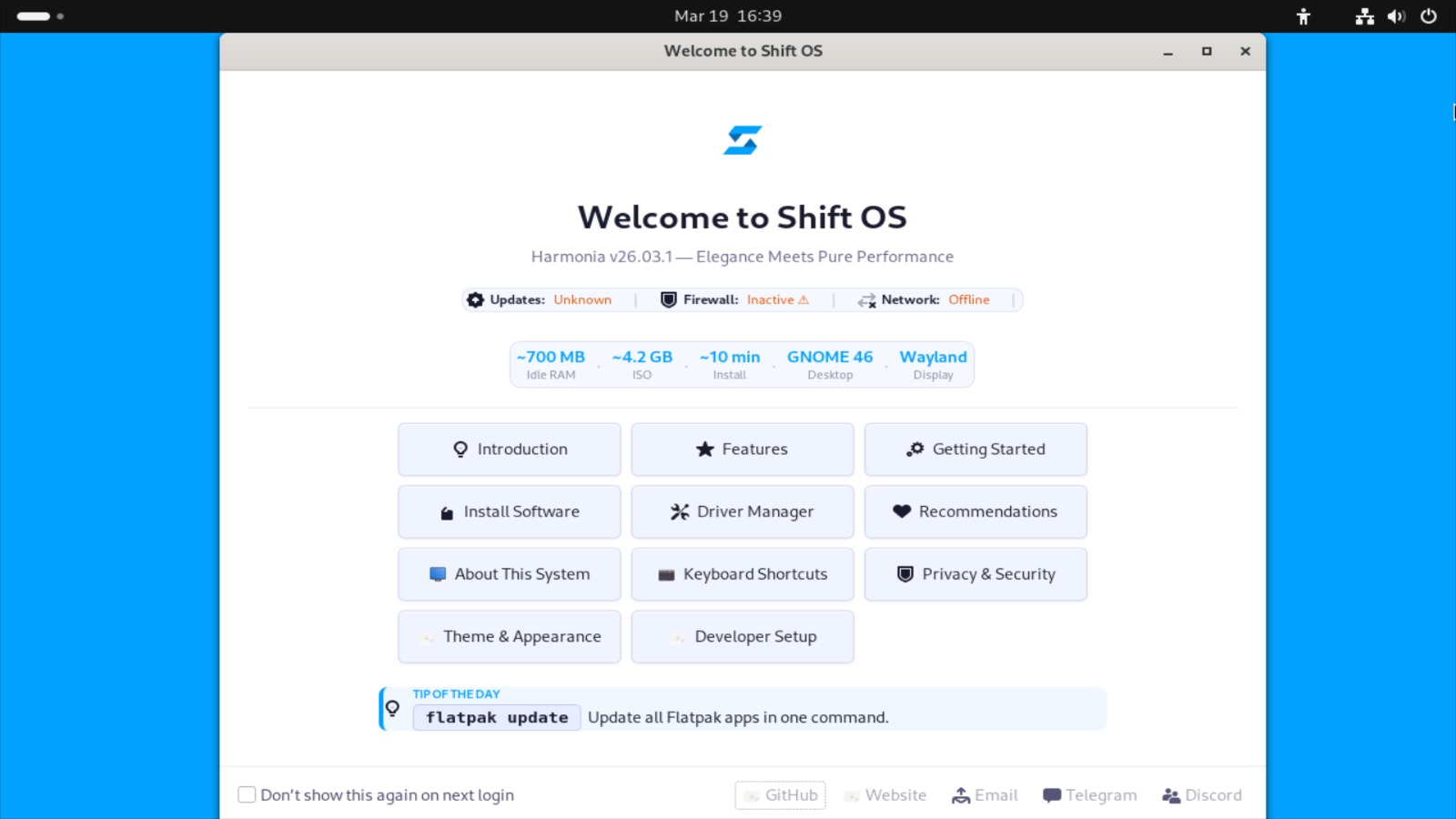
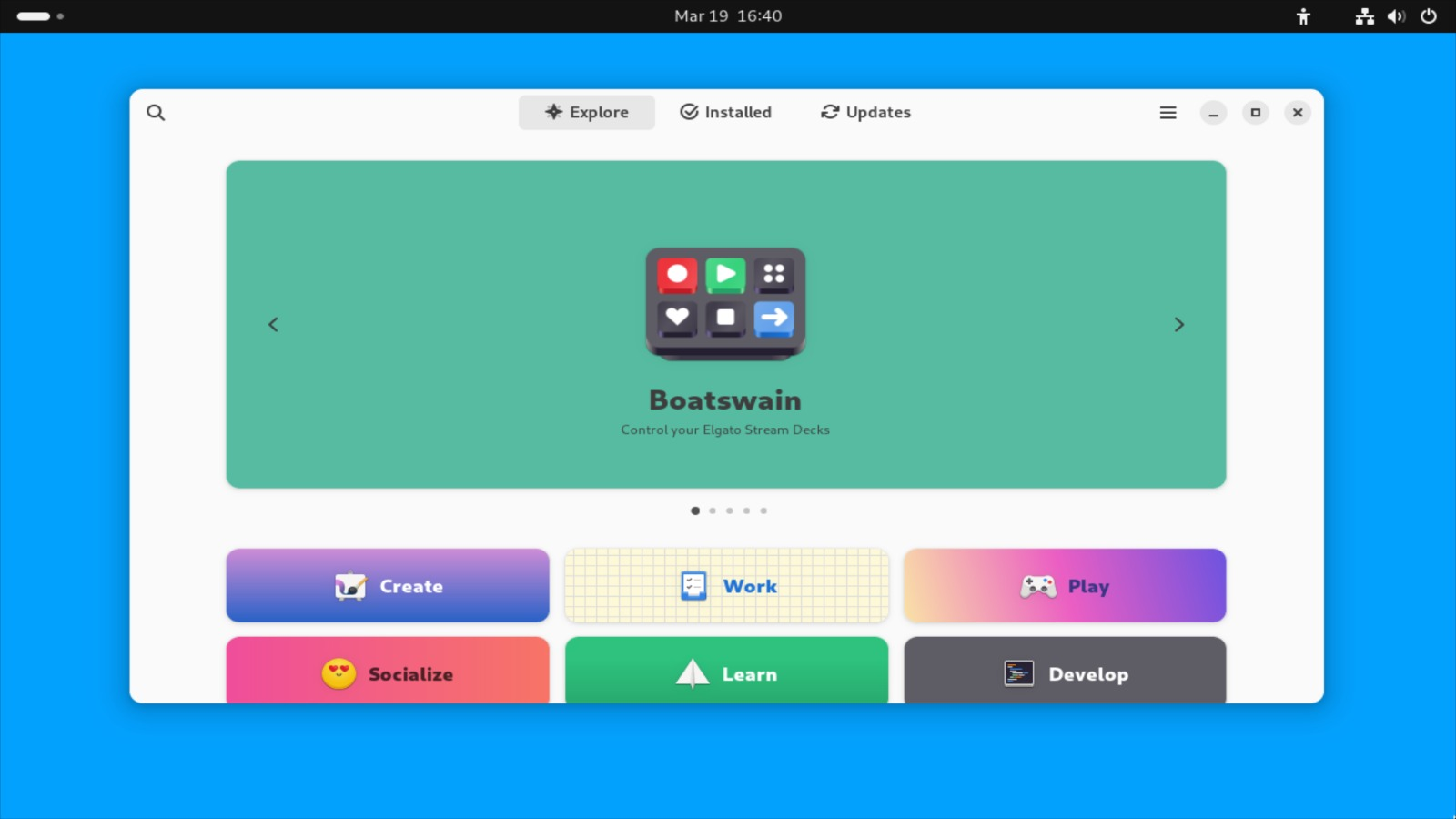
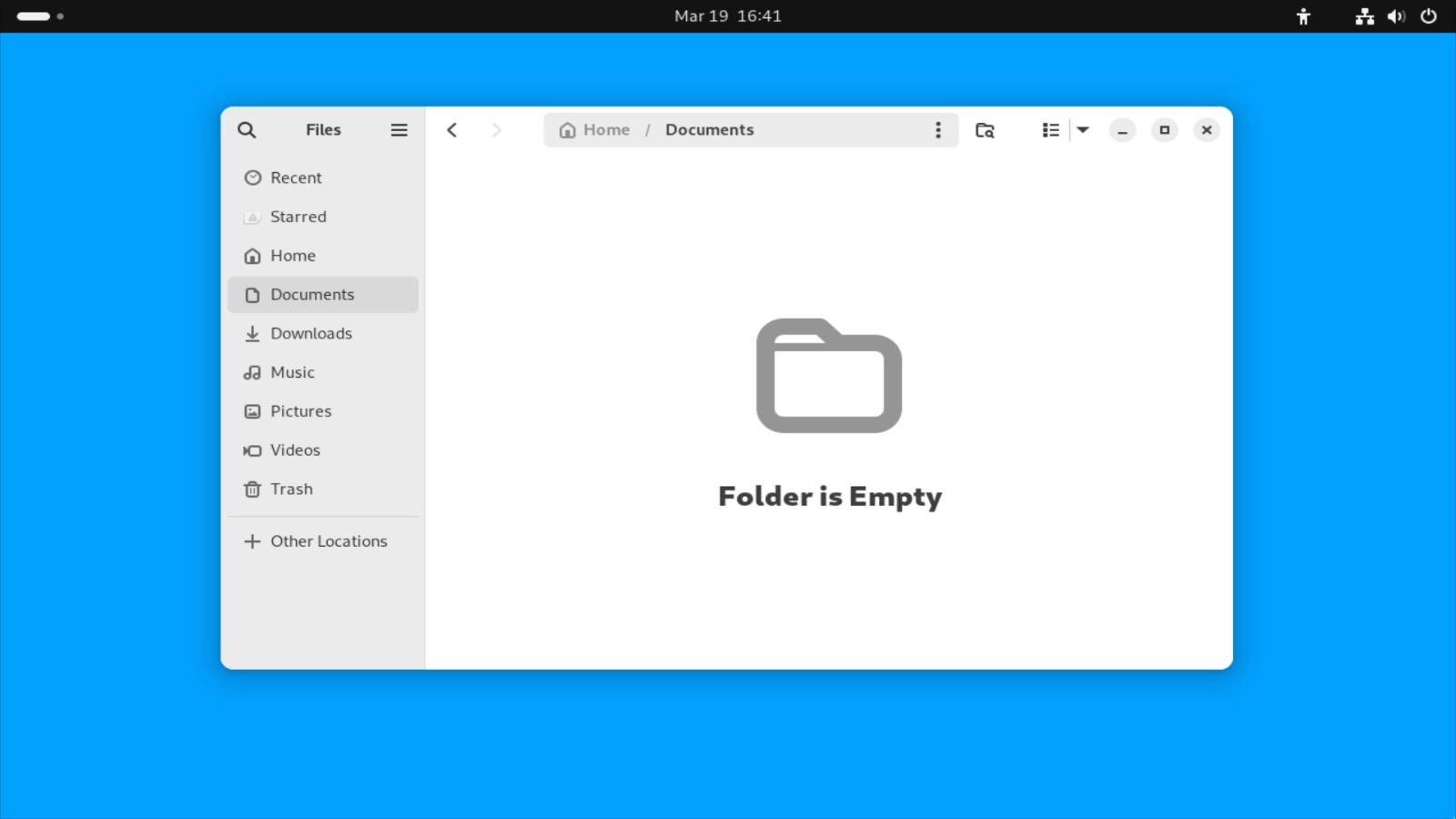
A modern, lightweight Linux distribution based on Ubuntu. Powered by pure GNOME and Wayland for a flawless, future-proof desktop experience.
Shift OS isn't just another Linux distribution. It was born from a simple philosophy: an operating system should be an invisible bridge between your creativity and your hardware. By stripping away heavy bloatware, embracing the modern Wayland display server, and delivering a pure GNOME experience, we crafted a workspace that feels like a breath of fresh air. It is fast, secure, and uncompromisingly elegant—designed to let you focus on what truly matters.
Unmodified, clean, and intuitive desktop environment. No bloatware, just the pure GNOME experience as it was intended.
Built for the future. Enjoy buttery-smooth animations, tear-free rendering, and enhanced security protocols.
Stripped down from unnecessary background services to give you maximum hardware performance and battery life.
Run 3D game engines like Godot with butter-smooth framerates. Compile scripts faster on a highly optimized system architecture.
Set up your mobile development environment with ease. Test Expo and React Native apps seamlessly from a robust UNIX terminal.
A distraction-free sanctuary. Sequence MIDI tracks, mix high-res audio, or edit digital assets without system bottlenecks.
Everything you need, right out of the box. Shift OS comes pre-configured with essential tools that respect your privacy and boost your productivity.
See how Shift OS stacks up against popular distributions across the features that matter most to you.
| Feature | Shift OS | Ubuntu | Linux Mint | Fedora |
|---|---|---|---|---|
| Wayland Native | Yes | Yes | Optional | Yes |
| Bloat-Free by Default | Yes | No | No | Yes |
| Graphical Installer | Calamares | Ubiquity | Yes | Anaconda |
| Live Session | Yes | Yes | Yes | Yes |
| Ubuntu/DEB Packages | Yes | Yes | Yes | RPM |
| Memory Footprint | ~700 MB | ~1.2 GB | ~900 MB | ~1.1 GB |
| Target Audience | Creators & Devs | General | Beginners | Developers |
Shift OS is actively evolving. Here's where we've been and where we're going.
Initial public release. Pure GNOME, Wayland default, Calamares installer, and core performance optimizations.
Improved hardware support, official NVIDIA driver integration, and a custom Shift OS welcome app.
ARM architecture support, a curated Shift App Center, and an online accounts manager for seamless cloud integration.
Enterprise-grade edition with enhanced security hardening, LTS kernel, and dedicated commercial support.
An independent developer and Linux enthusiast from Indonesia, passionate about crafting elegant software experiences. Shift OS was born from a belief that Linux can be both powerful and beautiful — without compromise.
Early feedback from beta testers and the open-source community.
"Finally a Ubuntu-based distro that doesn't feel cluttered. Booted in seconds on my old ThinkPad."
"The Wayland experience is butter smooth. My Godot projects have never run this well on Linux."
"Clean, minimal, and fast. This is exactly the kind of Linux distro I've been looking for years."
Every technical decision in Shift OS was made deliberately. Here's what powers your experience.
Get up and running fast. Essential commands for your first hour with Shift OS.
Always update your system first after a fresh install.
sudo apt update && sudo apt upgrade -y
Install any package from the Ubuntu/Debian repository.
sudo apt install vlc -y
Unlock access to thousands of sandboxed apps via Flathub.
sudo apt install flatpak -y flatpak remote-add --if-not-exists
              flathub \ https://flathub.org/repo/flathub.flatpakrepo
Get the best GPU performance with the official driver.
sudo apt install nvidia-detect -y sudo apt install nvidia-driver
              -y
Game on Linux with Steam and Proton compatibility layer.
sudo dpkg --add-architecture i386 sudo apt update sudo apt
              install steam -y
Set up your development environment with VS Code.
wget -qO- https://packages.microsoft.com/keys/microsoft.asc | gpg
              --dearmor > microsoft.gpg sudo install -o root -g root -m 644
              microsoft.gpg /etc/apt/trusted.gpg.d/ sudo apt install code
              -y
Stories, updates, and thoughts from behind the keyboard.
Every great project starts with frustration. Mine started with a laggy Ubuntu install, a dream of something cleaner, and too much free time on a Saturday night in Jakarta...
Read More →Why name a Linux release after the Greek goddess of harmony? Because that's exactly what this OS aims to be — a harmony between form and function.
Read More →X11 is old, bloated, and was never designed for modern hardware. Here's why making Wayland the default in Shift OS was a non-negotiable decision.
Read More →Not ready to commit? That's completely fine. Shift OS ships with a full live session — just flash the ISO to a USB drive, boot it up, and explore the complete desktop experience without touching your hard drive. Your data stays untouched.
From a weekend idea to a real Linux distribution — here's how Shift OS came to be.
Project started. First boot of a custom Debian ISO with GNOME.
Calamares installer integrated. Live session working stably.
v26.03.1 "Harmonia" released publicly. Website launched.
v26.09 "Serenity" — NVIDIA integration & welcome app.
ARM support, Shift App Center, and Pro edition.
Shift OS is built by one developer in their spare time and will always be free. If it saved you time or made your day better, consider buying me a coffee — it keeps the server lights on and the commits coming.
Shift OS stands on the shoulders of giants. We are deeply grateful to these projects and their contributors.
Experience the ultimate harmony of speed and beauty.
Download ISO v26.03.1Codename: Harmonia | Architecture: amd64 | Size: ~5.1 GB
1. Download the ISO file above.
2. Flash it to a USB Drive
(minimum 8GB) using Rufus,
BalenaEtcher, or Ventoy.
3.
Boot your PC from the USB Drive.
4. Click the "Install Shift OS"
icon on the desktop.
Shift OS is built on a solid Ubuntu foundation. This ensures out-of-the-box stability and full compatibility with the massive `.deb` package ecosystem.
Absolutely! Because it's stripped of unnecessary background bloat and runs on Wayland natively, it's a fantastic, smooth environment for running game engines like Godot, editing audio, or coding your next big project.
Simply download the ISO file, flash it to a USB drive using tools like Rufus, BalenaEtcher, or Ventoy. Boot your PC from the USB, and let our Calamares installer guide you securely in under 10 minutes.
Yes! Shift OS is 100% free and open-source. We believe in providing an elegant, high-performance operating system accessible to everyone, without hidden costs.
- Pure GNOME implementation.
- Wayland set as default display
server.
- Integrated Calamares Installer.
- Performance
under-the-hood optimizations.
Explore what makes Shift OS different, one feature at a time.
Shift OS idles at just ~700MB RAM — leaving the rest for your work. No bloatware, no unnecessary background services. Pure Ubuntu base, stripped to what matters.
We ship unmodified GNOME 46 — because the GNOME team already designed a beautiful desktop. Shift OS adds thoughtful defaults, not a messy fork.
Shift OS inherits Ubuntu 24.04 LTS's 5-year support cycle. You get a stable, tested base with access to the world's largest Linux software repository.
Docker, VS Code, Flatpak, and full terminal tooling are first-class citizens on Shift OS. Your dev environment is one apt command away.
sudo apt install docker.ioflatpak install flathub com.visualstudio.codesudo apt install nodejs npm
Shift OS runs Wayland by default — better security, smoother rendering, HiDPI support, and no screen tearing. X11 is available as fallback if needed.
Enter your PC specs below — we'll tell you instantly.
Select your specs to check compatibility
Every download is a vote of confidence. Thank you for believing in Shift OS.
Fetching live data from GitHub...
Full history of every Shift OS release.
How we keep Shift OS secure and what to do if you find a vulnerability.
Security patches are tracked from Ubuntu upstream and applied within 48 hours of upstream release. Critical kernel CVEs are prioritized above all else.
Every Shift OS ISO is signed with a GPG key. Verify your download before flashing to ensure you have an untampered image.
sha256sum shift-os-26.03.1-amd64.iso
Found a security issue? Please do not open a public GitHub issue. Report it privately so we can patch it before disclosure.
Email Security TeamWe monitor the Ubuntu CVE tracker and the Linux Kernel CVE database. Public disclosure follows a 90-day responsible disclosure policy.